
Every kitchen station sees only its own tickets
Set up your stations, such as tandoor, South Indian and bar, and the rules that send each dish to one. A mixed order becomes one ticket per station, all linked to the same table.
In Mezbaan Rasoi and Mezbaan Haveli.
In a busy kitchen one list of orders for everyone means the dosa counter reads the tandoor’s tickets, and the floor never knows what is ready.
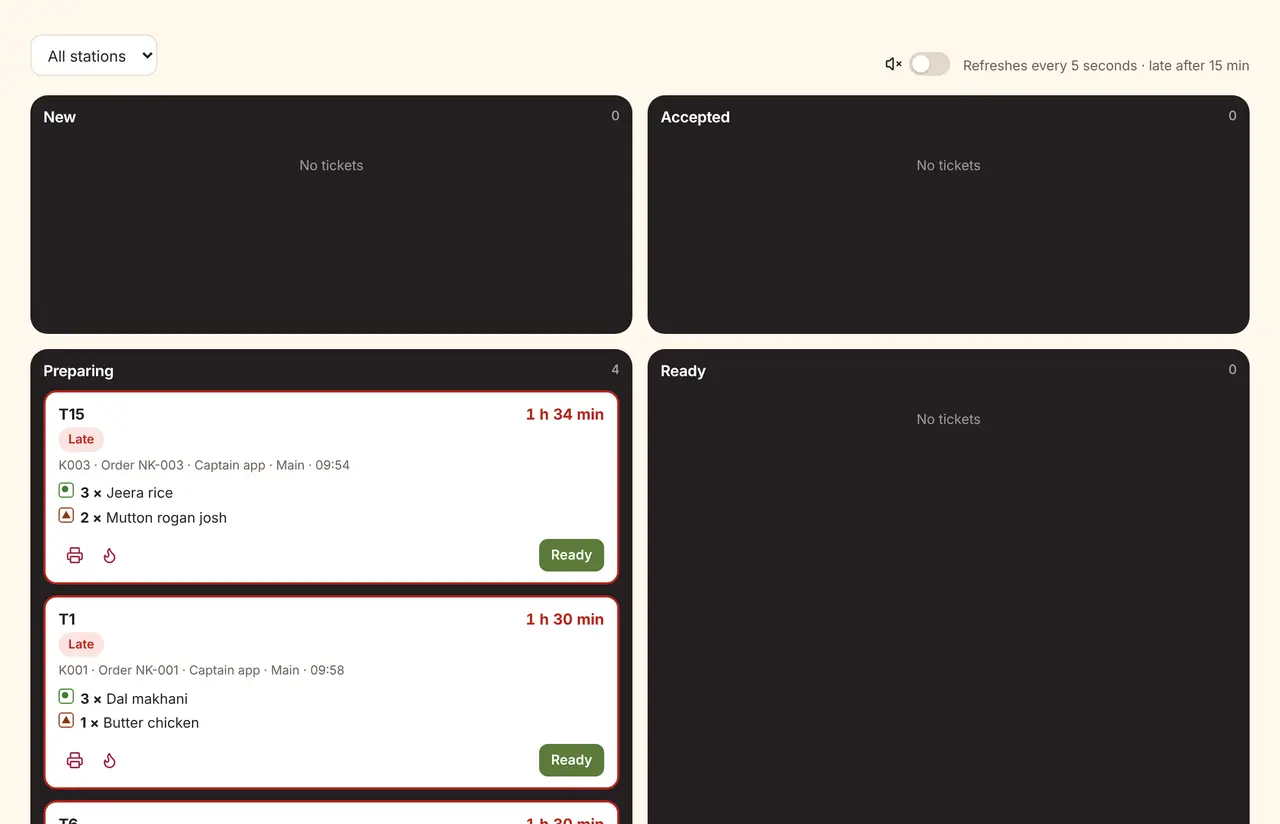
New, accepted, preparing, ready
Each ticket shows the table, the order number, the minutes since ordering, veg marks and notes. Late tickets turn red.
Kitchens and routing rules
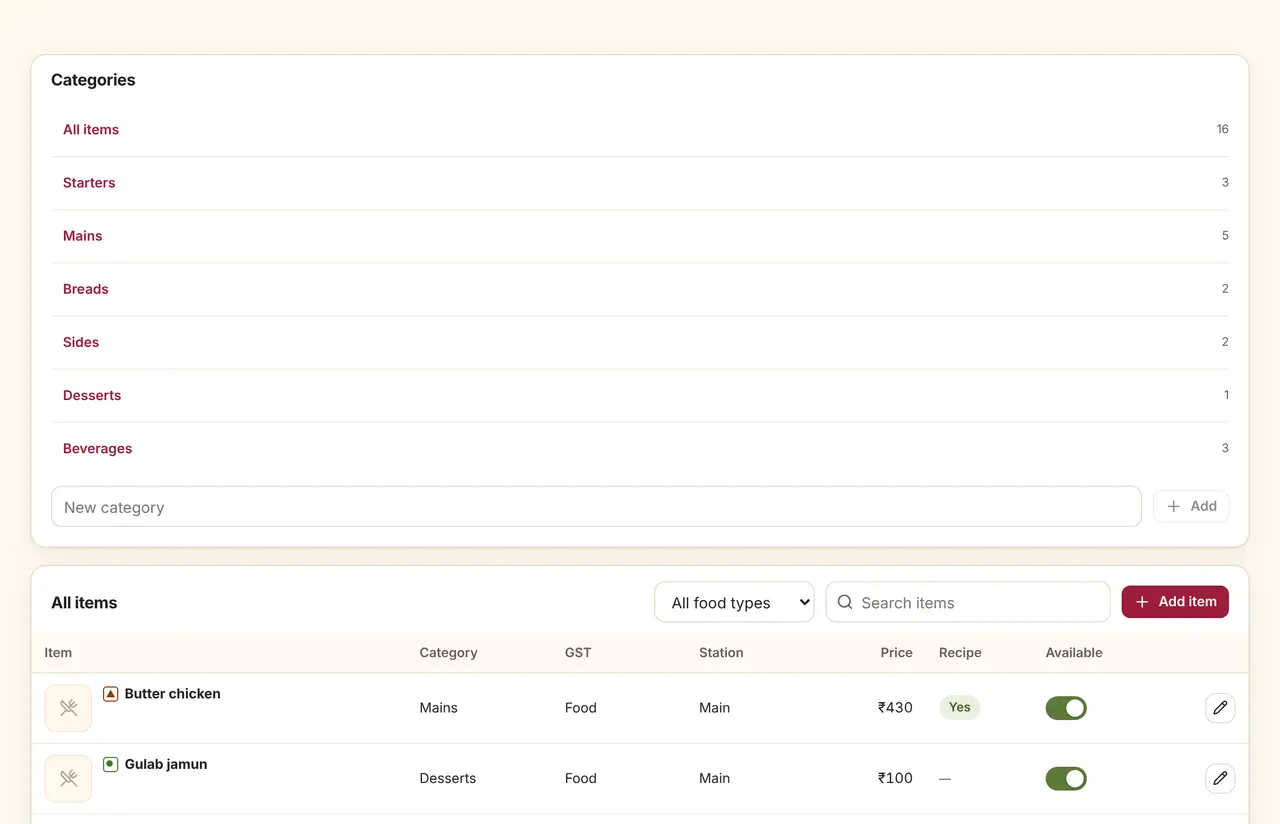
Rules by category, dish, cuisine or food type, in the order you choose. A test lets you see where an order would go before you save.
The details that matter
Rush tickets
Mark an order rush from the floor; it jumps the queue on the kitchen screen.
Reject with a reason
The kitchen can reject an item; the bill waits until a manager voids it.
Sound and flash
New tickets play a sound and flash, with a switch to mute.
Station-only logins
Kitchen staff can be limited to their own station’s tickets.
Questions
Do I need a screen in the kitchen?
Any tablet or screen with a browser works. If you prefer paper, each station’s KOT prints on its own, with the station name and a reprint count.
What happens when a dish is both veg and non-veg?
Each dish has one food type: veg, non-veg, egg or vegan. Mezbaan warns when a dish named like chicken or mutton is marked veg.
Can I try routing before I change my kitchen?
Yes. The routing test shows which station each item in a sample order would go to, and saves nothing.
See it run with your own rooms and menu.
We run the demo on a video call with your room types or menu loaded, so you can judge it on your own work.