
Billing that keeps going when the internet doesn’t
Captains take orders on a phone or tablet, the cashier closes the bill, and every rupee lands in the right shift. A registered counter keeps printing bills offline in an unbroken invoice series.
In Mezbaan Rasoi and Mezbaan Haveli.
A restaurant loses the most when billing stops: the queue at the counter, the table that leaves without paying, the invoice numbers that jump after a restart.
Payments and shift close
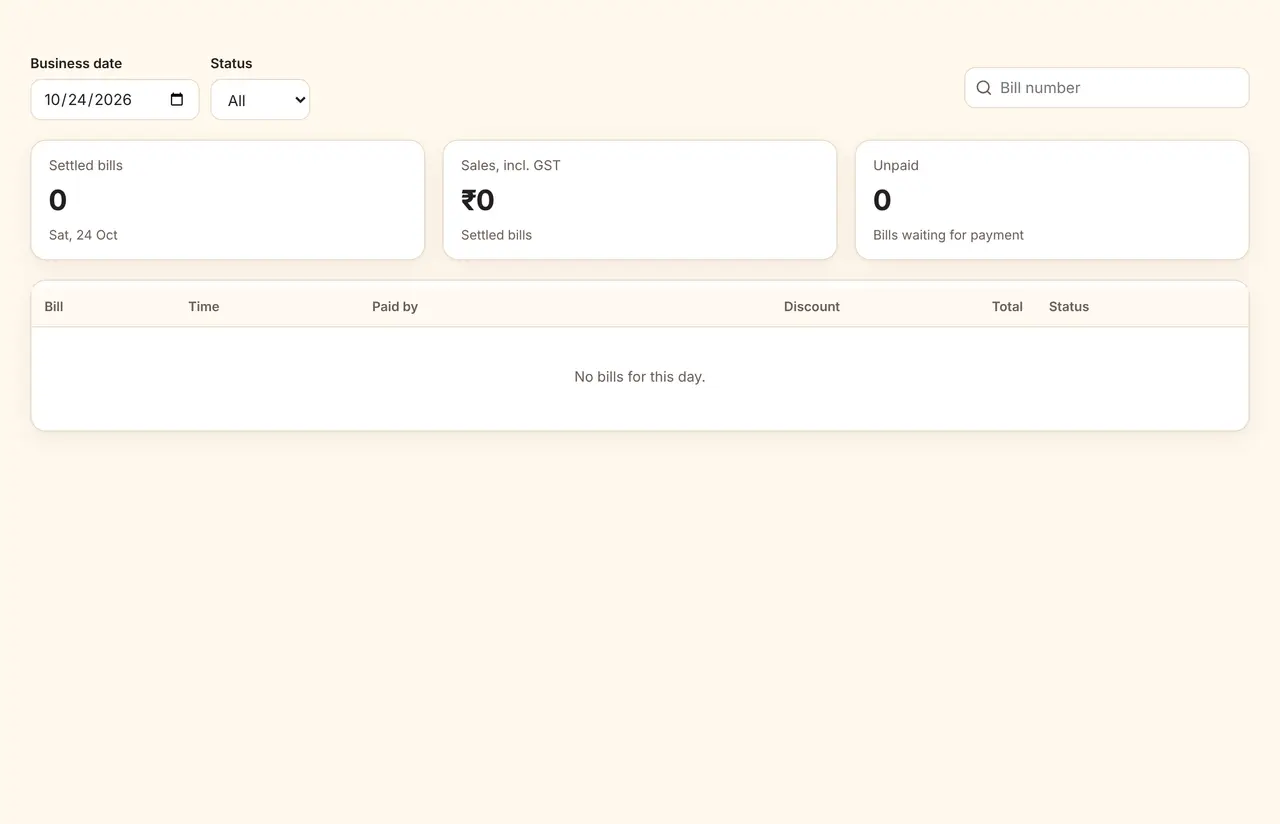
Cash, UPI, card and room charges are recorded against the open shift. Closing the shift compares counted cash with what the system expects.
Orders from the floor
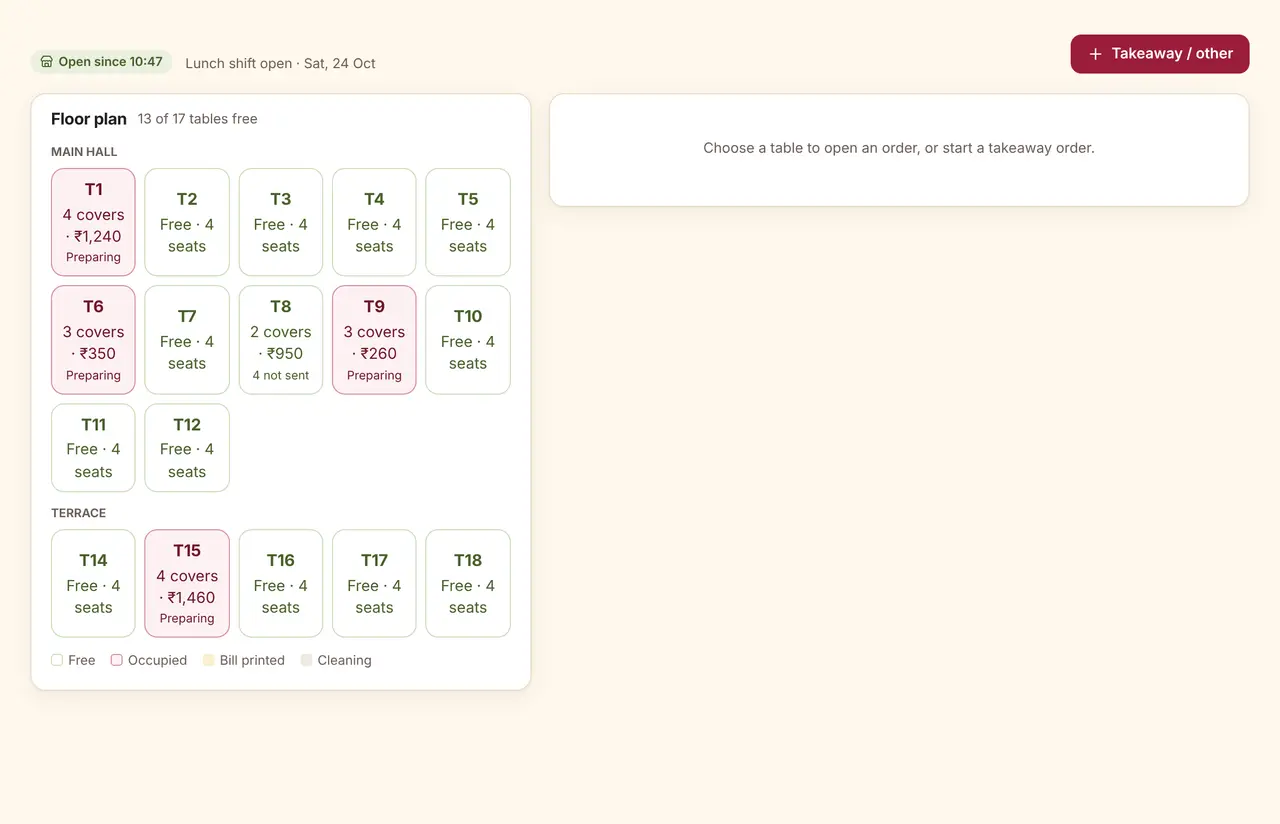
Dine-in, takeaway, QR and delivery orders each have a place. A bill can be paid with more than one method, and discounts above your limit need a manager’s PIN.
The details that matter
GST invoice series per outlet
Tax rules by outlet and item, with an invoice series for each counter.
Offline billing
A registered counter reserves a block of invoice numbers so offline bills never clash.
Manager PIN for voids
Voids and discounts above your limit need a manager’s PIN, and are logged.
Room charges (Haveli)
Charge a bill to a guest’s room after five checks pass.
Questions
Does it work with my thermal printer?
Bills and tickets print through the browser on the device, to whichever printer that device already uses. A direct network print bridge is not built yet.
How does offline billing avoid duplicate invoice numbers?
Each registered counter has its own series and reserves a block of numbers in advance, so bills printed offline never clash with another counter’s.
Can staff change a bill after printing it?
Changes after printing need a manager’s PIN and are written to the activity log with the reason.
See it run with your own rooms and menu.
We run the demo on a video call with your room types or menu loaded, so you can judge it on your own work.