
Guests order from the table. Your staff stay in charge.
Each table gets its own QR code. Guests browse the menu with photos, veg marks and dietary tags, and send an order that waits for a staff member to accept it before it reaches the kitchen.
In Mezbaan Rasoi and Mezbaan Haveli.
Open QR ordering invites prank orders and confuses the kitchen; a printed menu cannot say a dish has run out.
QR orders wait for staff
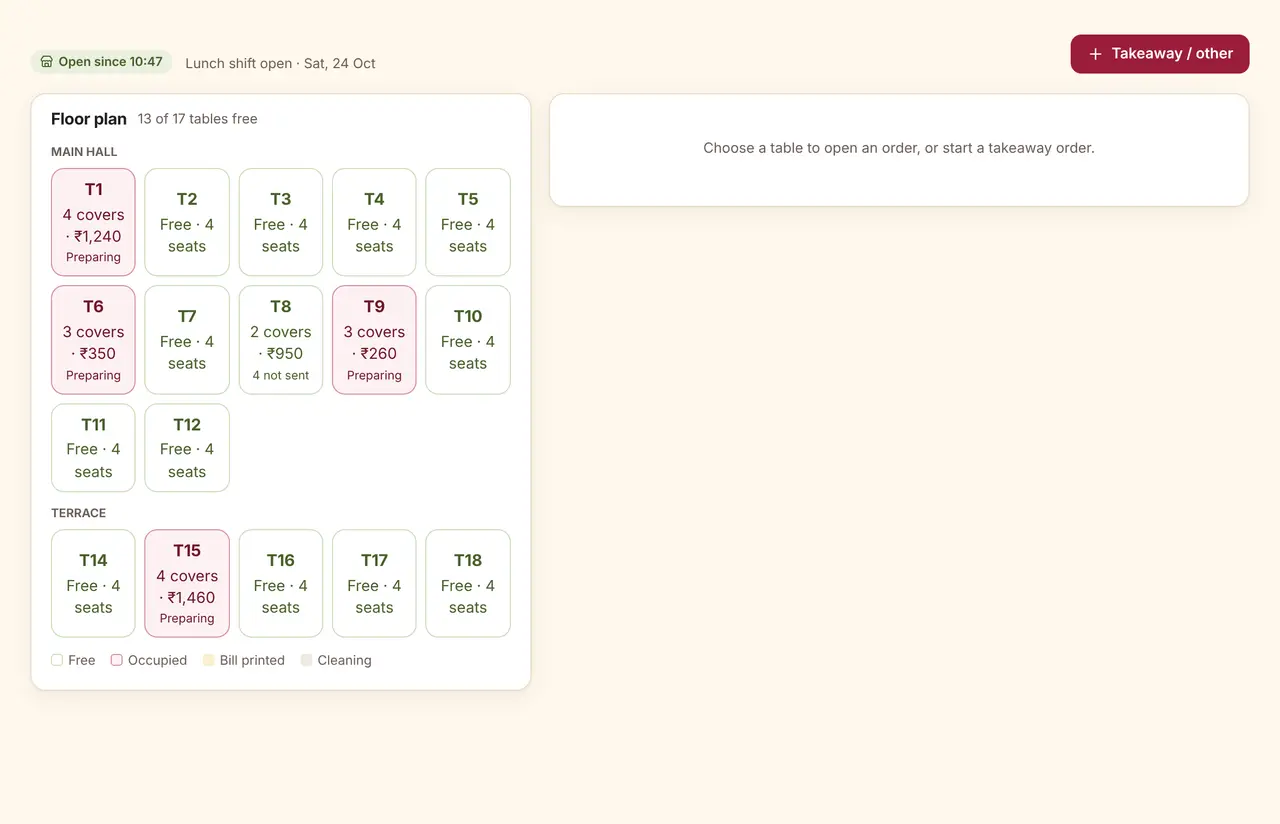
QR orders arrive in their own tab on the floor screen. Staff accept or reject; accepted orders go to the kitchen stations like any other.
What the guest sees
The menu opens in the phone’s browser; there is no app to install. Guests filter by veg-only or dietary tags and add notes for the kitchen.
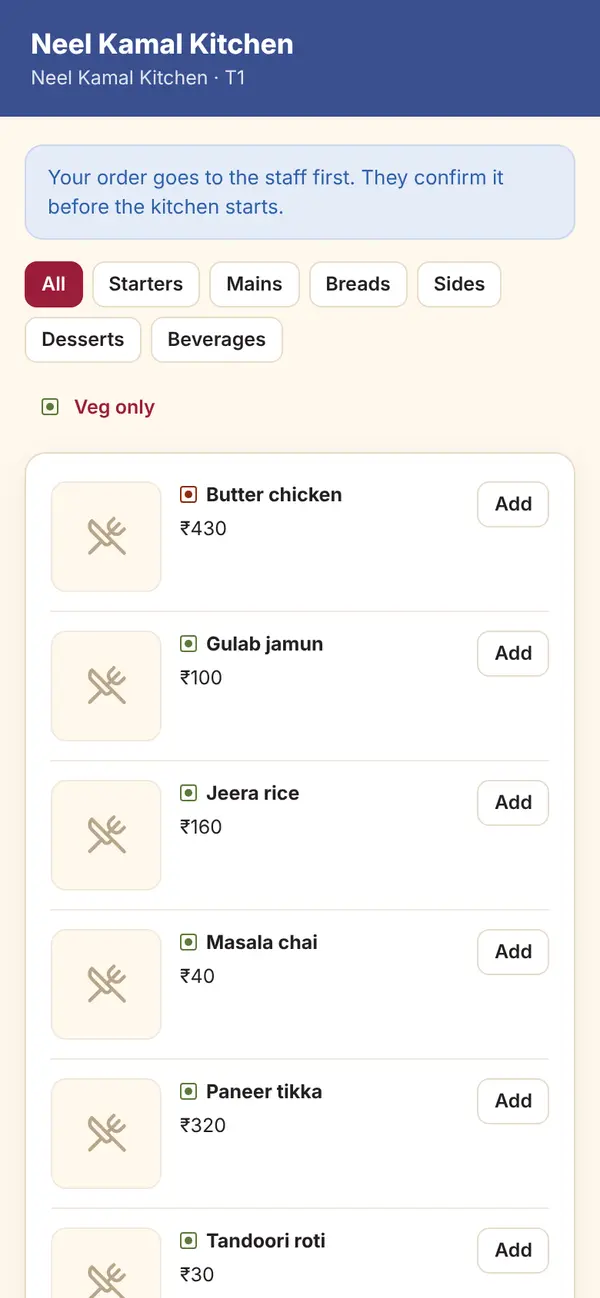
Sample dataGuest QR menu on a phone
The details that matter
Sold out, not hidden
Sold-out dishes stay on the menu, marked, and cannot be ordered.
Veg-only and dietary filters
Jain, no onion-garlic, gluten-free and more, as tags on each dish.
Private ratings
Guests can rate the visit; ratings of two stars or less open a complaint for the owner.
Your links
Website, Instagram, Google Maps and WhatsApp links, shown only when you add them.
Questions
Can guests pay through the QR menu?
Not today. The QR menu takes orders and ratings; payment is made at the table or counter.
Are ratings published anywhere?
No. Ratings stay inside Mezbaan. After rating, every guest sees the same optional link to review you on Google, whatever their rating.
What if the restaurant is closed?
If you choose to block orders when the store is closed, the menu shows a notice and stays browsable.
See it run with your own rooms and menu.
We run the demo on a video call with your room types or menu loaded, so you can judge it on your own work.